



Guide
First Adult Tricycle Buying Guide
Choose your first adult tricycle by checking rider fit, storage, weight limits, gears, brakes, assembly, and service before buying.
We research everything we recommend. When you buy through our links, we may earn a commission. Learn more
Guide
Organize tricycle light and accessory charging, identify independent power needs and check documented outputs without modifying electrical wiring.

Updated · 11 min read
A trike can carry several powered accessories without having one shared power system. Its motor battery, integrated lights, removable headlight, rear light, phone, and cycle computer may each have different requirements. A socket that looks familiar does not establish what it supplies, and a cable that fits does not prove that a device can be charged or operated through it.
This guide helps owners organize accessory power without modifying the trike's electrical system. It covers documentation, charging routines, spare equipment, and questions to ask before using an approved output. It does not explain how to splice wiring, add converters, open batteries, or bypass manufacturer limits. The main decision is whether an accessory should remain independently powered or use a connection explicitly supported by the relevant makers.
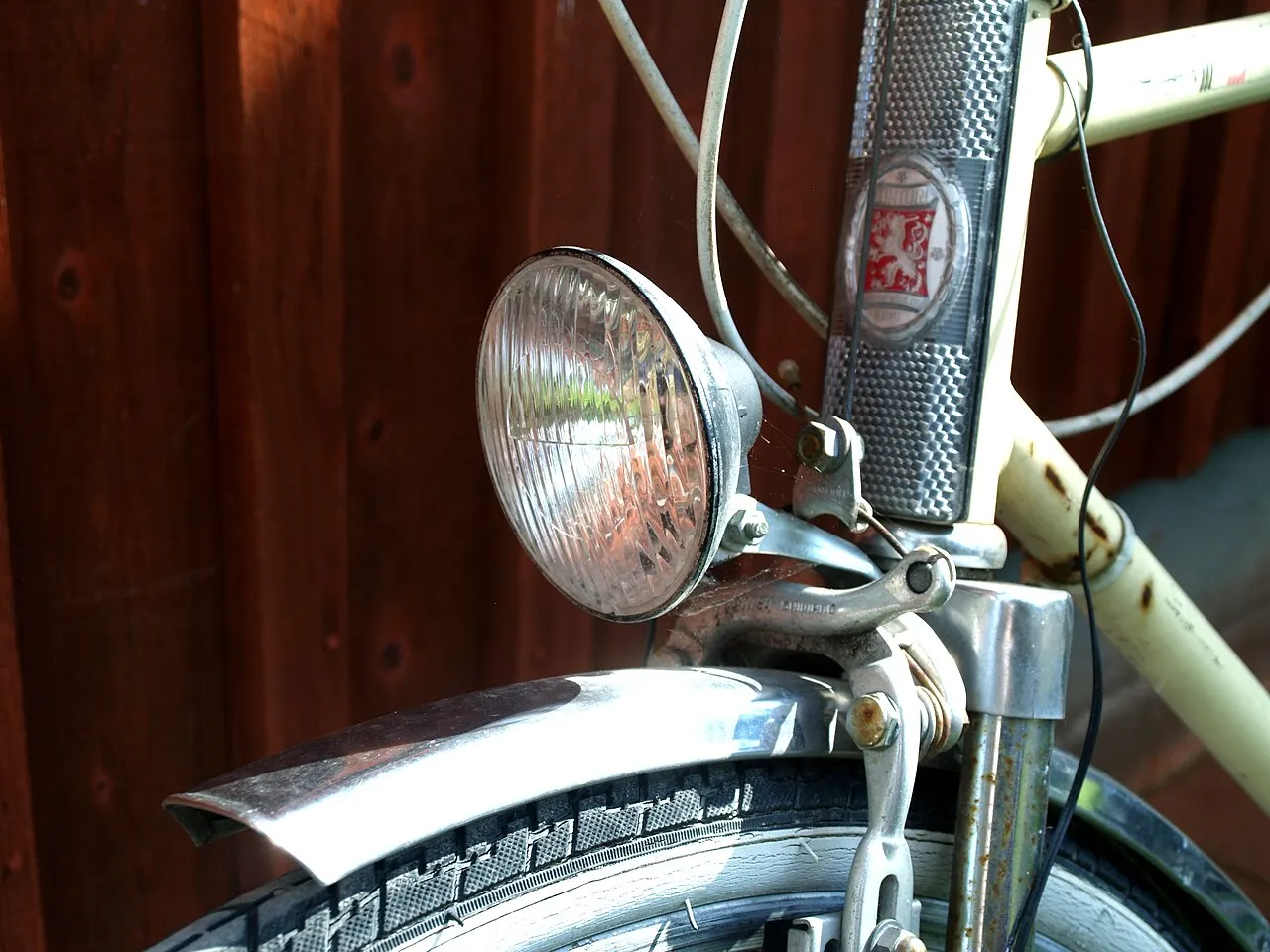
List every device carried on the trike and how it receives power. Include integrated equipment and removable accessories. Record the model, battery type where documented, approved charging method, and any visible low-power indication. The purpose is to identify separate routines, not to calculate an electrical system from guessed specifications.
Divide the inventory into factory-integrated equipment, accessories using their own batteries, and devices intended to use an approved vehicle output. An integrated light may be supplied through the trike's control system, while a removable light uses its own charging port. Neither arrangement tells you how an unrelated phone or navigation device should be powered.
Keep the device manuals in the same folder as the vehicle manual. If a secondhand accessory has no readable model label, identify it before charging or buying a cable. A generic online photo may not show the same revision. The accessory compatibility guide covers mounting questions; power compatibility deserves its own entry beside them.
USB and other connectors can look alike while supporting different functions. A port on a display might have a specified output, a service function, or another purpose. Do not assume that an exposed socket is available for charging because a plug fits. Read the actual display or vehicle documentation and ask the maker when the function is unclear.
For a documented output, record its permitted use and limits exactly as provided. Confirm that the device you intend to connect is allowed and that the cable is appropriate. A claim that an adapter converts one connector shape to another does not establish that it provides the required power safely or that the vehicle permits the arrangement.
This article does not provide a wiring recipe for a motor battery. Its nominal voltage is not a shopping specification for a phone adapter. Internal modifications and electrical integration belong to an approved system or qualified service process. Keeping accessories independently powered can be a practical choice when no supported output is documented.
A removable light with its own battery allows charging away from the trike when its instructions permit it. That can simplify everyday use, particularly when the vehicle is stored somewhere without a suitable charging location. It also creates another item to keep charged, mount correctly, and return to the trike before departure.
Independent power does not make a light universally suitable. Check its intended use, mount compatibility, charging instructions, and operating requirements. A small marker light and a headlight intended to illuminate a route serve different tasks. The night-riding light guide addresses visibility and route lighting; this page focuses on keeping the selected equipment powered correctly.
An independent backup can also reduce reliance on one power source, but only if it is ready and appropriate for the task. A discharged spare at the bottom of a bag is not an operational backup. Include it in the inventory and pre-trip check rather than counting the mere ownership of a second light as a completed contingency plan.
Use the cable, charger, power source, and charging conditions specified for the accessory. Do not apply the motor battery's instructions to a small rechargeable light or vice versa. Manufacturers may give different temperature, connection, indicator, and storage requirements. The manual for the exact accessory should control those choices.
Cateye's model-specific light instructions provide an example: they describe the charging connection, indicator behavior, and closing the port cover afterward. The lesson is to read the relevant procedure, not to use that model's values for every light. A similar-looking device may have a different port, charging rate, or indication of completion.
If a device or cable is damaged, unusually hot, or otherwise concerning, stop using it and follow its maker's instructions. Do not keep trying different chargers to force it to respond. Contact the supplier or manufacturer with the exact model and symptoms. A charging problem should not become an improvised electrical experiment on the trike.
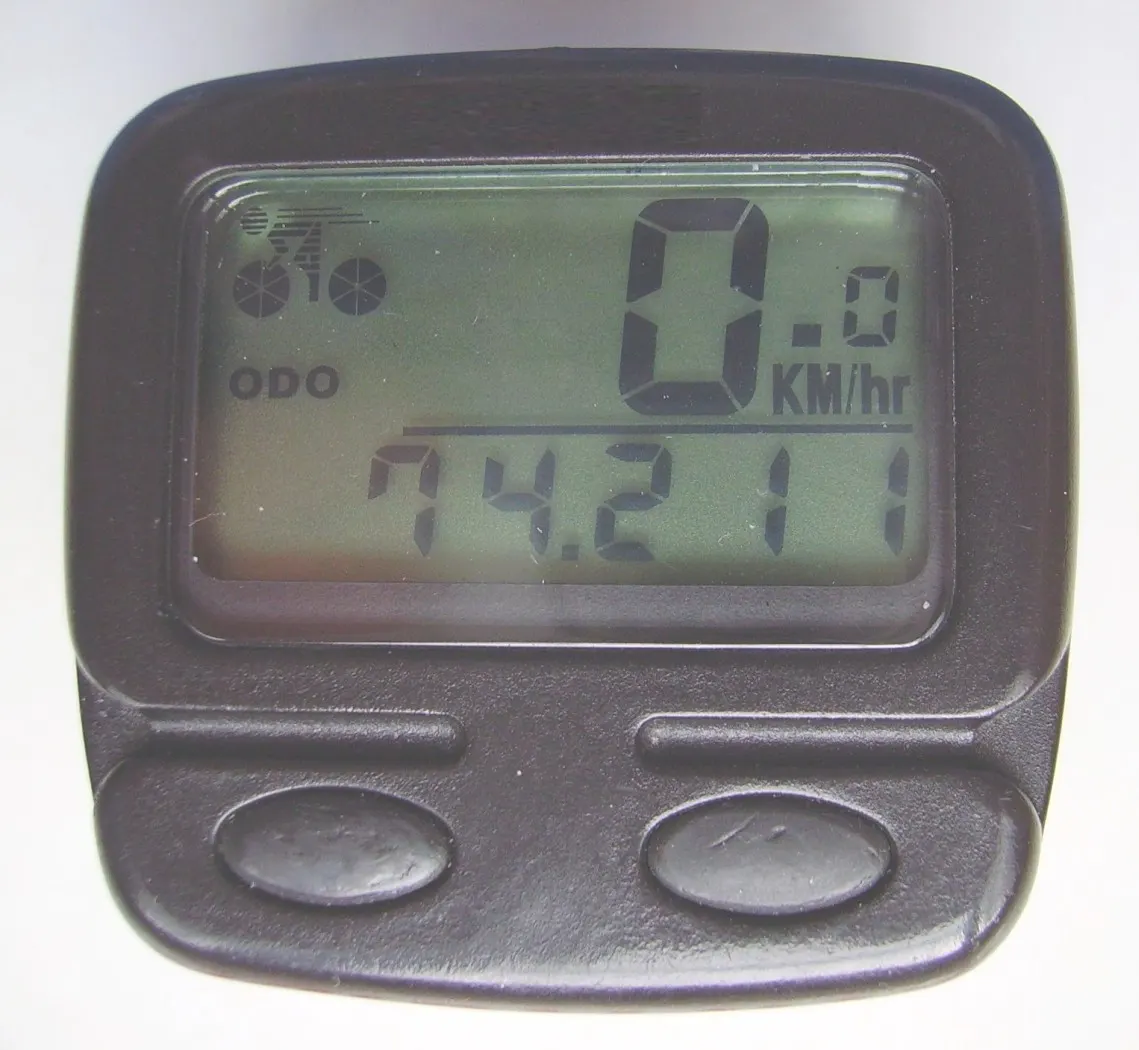
Keep each approved cable and power source identifiable. A small label naming the device can prevent confusion in a household with several lights and computers. Store instructions or a short reference card nearby. The card should repeat the maker's procedure accurately rather than inventing one common routine for everything in the drawer.
Choose a charging location that meets the devices' instructions and allows you to monitor their condition. Avoid treating a crowded bag or a hot parked vehicle as a convenient universal charging space. If equipment arrives wet or dirty, follow its cleaning and charging requirements before connecting it. Do not cover damaged ports with tape and assume they are ready.
Keep the motor battery's routine separate where its instructions require different equipment or handling. The e-trike charging and storage guide addresses that larger system. A tidy accessory station is useful, but it should not encourage interchanging chargers or using unapproved connections simply because all devices belong to the same trike.
Manufacturers often publish runtime for particular modes and conditions. Those figures are useful planning information but not a guarantee for every trip. Record which mode you intend to use and whether the device has aged or shown reduced operation. Do not choose a dimmer mode solely to stretch runtime if it is unsuitable for the route or conditions.
Include the complete outing: travel, stops, delays, and the return. A light left on during an errand may consume power while the trike is parked. A phone used for navigation can also require more attention to power than one carried only for occasional calls. Make the plan fit the actual tasks rather than the moving time alone.
Avoid converting an uncertain battery indicator into a precise number of remaining minutes. Treat it according to the device's instructions and your recorded experience. If the planned return depends on a nearly depleted accessory, shorten the trip, charge beforehand, or choose an appropriate ready backup. The commuting routine guide helps turn these checks into an ordinary departure habit.
When the maker documents an accessory output, ask whether it remains available in the operating states you expect. For example, the manual may distinguish powered operation, standby, or another condition. Record what the documentation actually says. Do not assume the output continues after assistance stops or the display is turned off.
Check whether using the output affects other equipment or requires a specific cable. If the answer is absent from the manual, ask support rather than filling in the gap from another brand's display. An approved connection can be convenient, but convenience should follow documented compatibility rather than a successful brief trial.
For a device that must remain available during a vehicle fault, consider the dependency explicitly. A phone charged only from the trike may lose its charging source when the electrical system stops operating. That does not automatically make the arrangement unsuitable, but it makes an independent reserve and a realistic communication plan worth evaluating before a longer outing.

Some devices support operation while connected to power; others have restrictions or do not function that way. Read the accessory instructions before planning continuous charging on a ride. A cable connected to an operating light may also change weather protection or strain its port. The permission to charge at home is not automatically permission to charge while riding.
If both makers support the arrangement, check the complete physical installation. The cable needs appropriate clearance through steering movement and must not enter a wheel, brake, or drivetrain. A dangling cable that looks harmless while parked can shift with vibration or a turn. Solve routing through an approved setup rather than adding ties that restrict control movement.
The phone mount guide covers device retention and rider access. Add power routing as a separate installation check. A mount can hold a phone securely while its connected cable remains poorly supported. Treat the port and cable as part of the setup, not an afterthought added after the mount has been chosen.
A device's weather rating may depend on covers being closed or a particular connection arrangement. Opening a charging port can change the conditions under which it is intended to be used. Follow the maker's wording rather than assuming that a water-resistant light remains equally protected with an exposed socket.
After a wet trip, inspect the device according to its instructions before charging. Do not connect wet or questionable equipment simply because the battery is low. The rain-riding guide addresses broader weather planning. For power accessories, the practical record should include what must be closed, dried, or checked before the next charging session.
A bag or cover should not be treated as universal electrical protection. It may trap moisture, place strain on a connector, or obscure the device's condition. If an accessory maker offers a weather-compatible charging arrangement, identify it precisely. Otherwise, independent charging in suitable conditions may be a clearer plan than maintaining a live connection outdoors.
Choose a response for each important device. If a headlight fails, the route may no longer be suitable; if a navigation device stops, you need another way to identify the return; if the phone loses power, your assistance plan may become harder to execute. These are different consequences and should not be reduced to one spare-battery checklist.
Carry information that remains usable without the device where practical, such as a written pickup location plan or a route summary. An appropriate independent light can provide a backup if it is charged and correctly mounted. Do not plan to complete a dark route using a phone screen or an unsuitable improvised lamp.
The roadside recovery guide explains how communication and pickup fit into the trip. The aim is not to carry every possible accessory, but to identify which failures would end the outing and make a realistic response available. A smaller plan that is usable is better than a large collection of untested adapters.
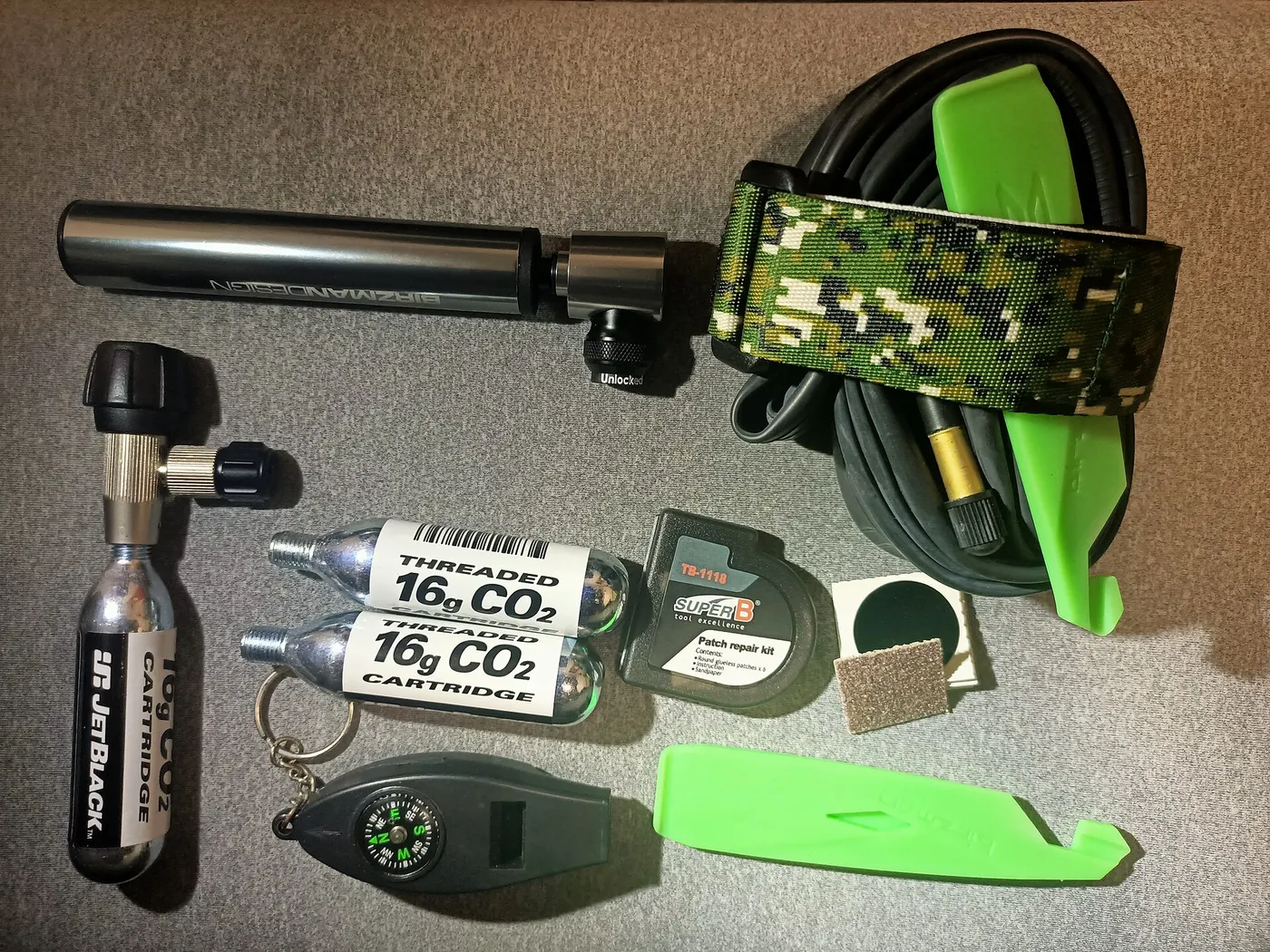
Keep approved spare cables and batteries labeled where the device instructions allow them. Protect exposed contacts and package replaceable cells as their maker instructs. Do not mix loose cells, metal tools, and unidentified connectors in a pocket. The inventory should state what each spare serves and whether it has been checked before the trip.
If using a portable power bank, confirm compatibility with the accessory and follow both sets of instructions. Do not assume any bank can power every light or charge any device through an arbitrary adapter. Its own condition, available charge, ports, and permitted operating conditions belong in the plan.
Avoid carrying a spare merely because it fits an available space on the trike. Every item adds another inspection and retention task. A cable you cannot identify is unlikely to solve a roadside problem. Review the kit periodically and remove unsuitable or damaged items through the appropriate process rather than letting obsolete accessories accumulate.
A light that charges correctly can still have a loose mount, obstructed beam, or unsuitable position. A computer with a fresh battery can still interfere with a brake cable. Complete both checks before departure: the device operates as intended, and its installation remains secure with proper clearance.
Examine the setup with ordinary luggage loaded. A basket bag may cover a rear light or press against a charging cable. The basket bag guide explains cargo containment; this article adds the question of whether the loaded arrangement changes power connections or visibility. Check the complete trip configuration rather than an empty trike.
After transport or folding, recheck any equipment affected by the procedure. A cable can become strained even if the accessory itself appears in place. Follow the maker's pre-ride instructions and restore the approved arrangement before using the vehicle. A photograph of the normal configuration can help communicate a concern but cannot certify the installation.
If an accessory's operating time has noticeably shortened, review its manual and contact its maker where appropriate. Do not assume that a larger charger or a longer improvised charging session will restore performance. Some devices have service or replacement procedures; others do not provide an owner-replaceable internal battery.
Record the symptom, charging method, indicator behavior, and approximate use history. These details support a clearer inquiry than saying the light has become weak. Keep observations separate from a conclusion that the battery alone is at fault. A port, cable, charger, or other issue may require assessment.
Do not open a sealed device to substitute an unidentified cell. If replacement or disposal is needed, follow the manufacturer's and applicable local instructions. The objective is to restore a documented accessory setup, not to preserve a familiar housing through an unapproved electrical modification.
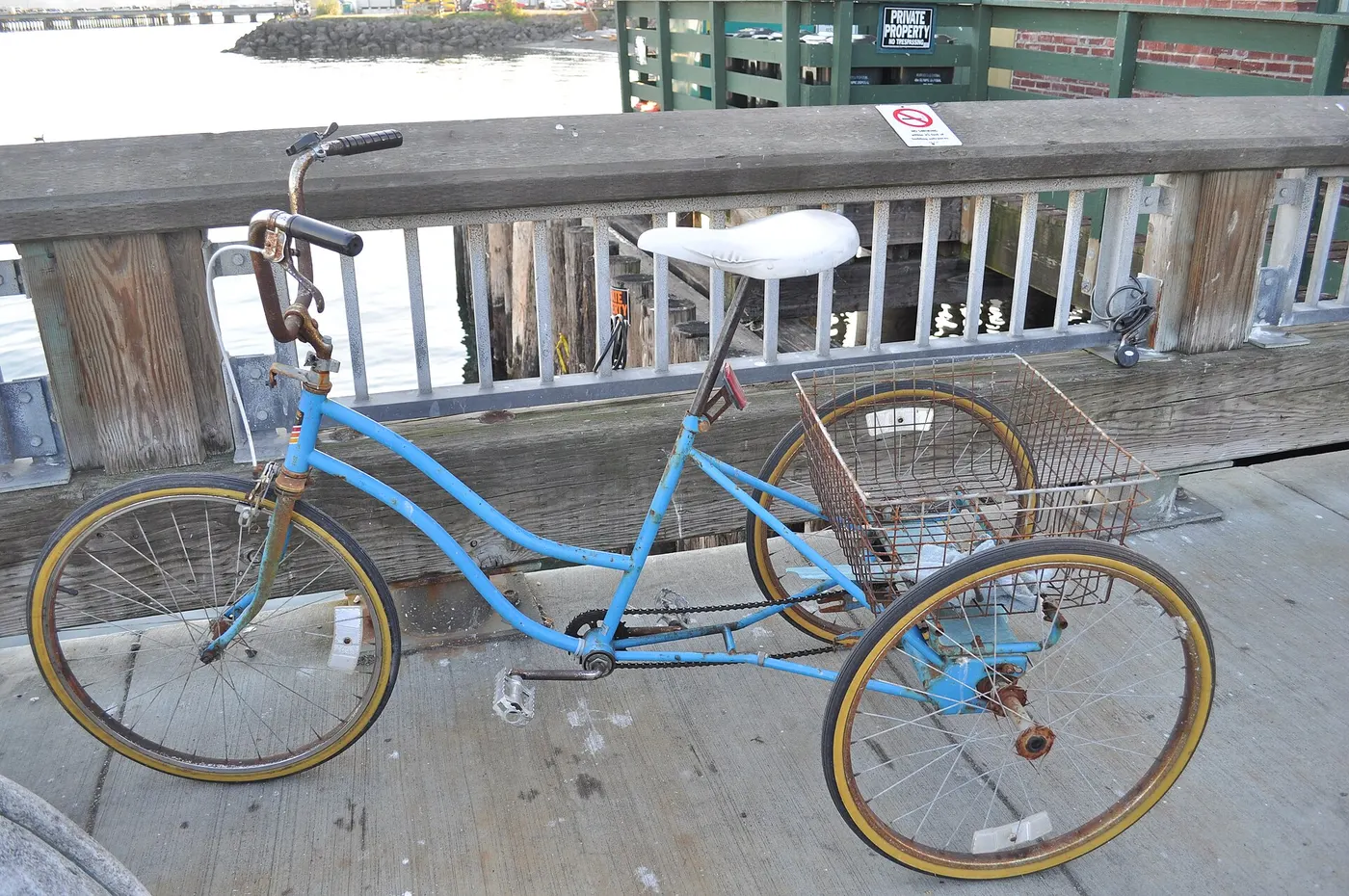
Imagine a rider using an e-trike for daytime errands with an integrated light, a removable rear light, and a phone. A delayed return reveals that only the motor battery was included in the charging routine. The revised inventory gives each accessory its own check, records the appropriate modes, and includes an independent communication reserve.
The rider does not splice a new outlet into the motor battery. Instead, the maker is asked whether a documented output exists and what devices it supports. Until that is resolved, the accessories remain charged independently according to their instructions. The resulting routine answers the actual problem without turning an ordinary errand into a custom electrical project.
Research-based planning guide, reviewed 14 October 2026. No electrical integration or runtime testing was performed.
Guide
Choose your first adult tricycle by checking rider fit, storage, weight limits, gears, brakes, assembly, and service before buying.
Guide
Learn how to compare adult electric tricycles for control, fit, batteries, braking, transport, and ownership support.

Guide
Understand the leg and hip muscles used when pedaling a tricycle, plus how fit, resistance, and electric assistance change the effort.