



Guide
First Adult Tricycle Buying Guide
Choose your first adult tricycle by checking rider fit, storage, weight limits, gears, brakes, assembly, and service before buying.
We research everything we recommend. When you buy through our links, we may earn a commission. Learn more
Guide
Set up a trike cycle computer through compatible sensors, measured-wheel circumference, units, operation checks, and understandable distance records.

Updated · 12 min read
A wheel-sensor cycle computer needs the correct installation and setup for the wheel it measures. On a tricycle with mixed wheel sizes, using the largest or most familiar size can give the wrong speed and distance. Begin with the exact computer, sensor arrangement, approved mounting locations, and the manufacturer's method for entering wheel circumference.
This guide explains setup reasoning and troubleshooting records without promising laboratory accuracy. It also distinguishes wheel-based measurements from GPS and the trike's own electrical display. The phone and GPS mount guide covers device retention and navigation; here the focus is how the recorded numbers are produced.
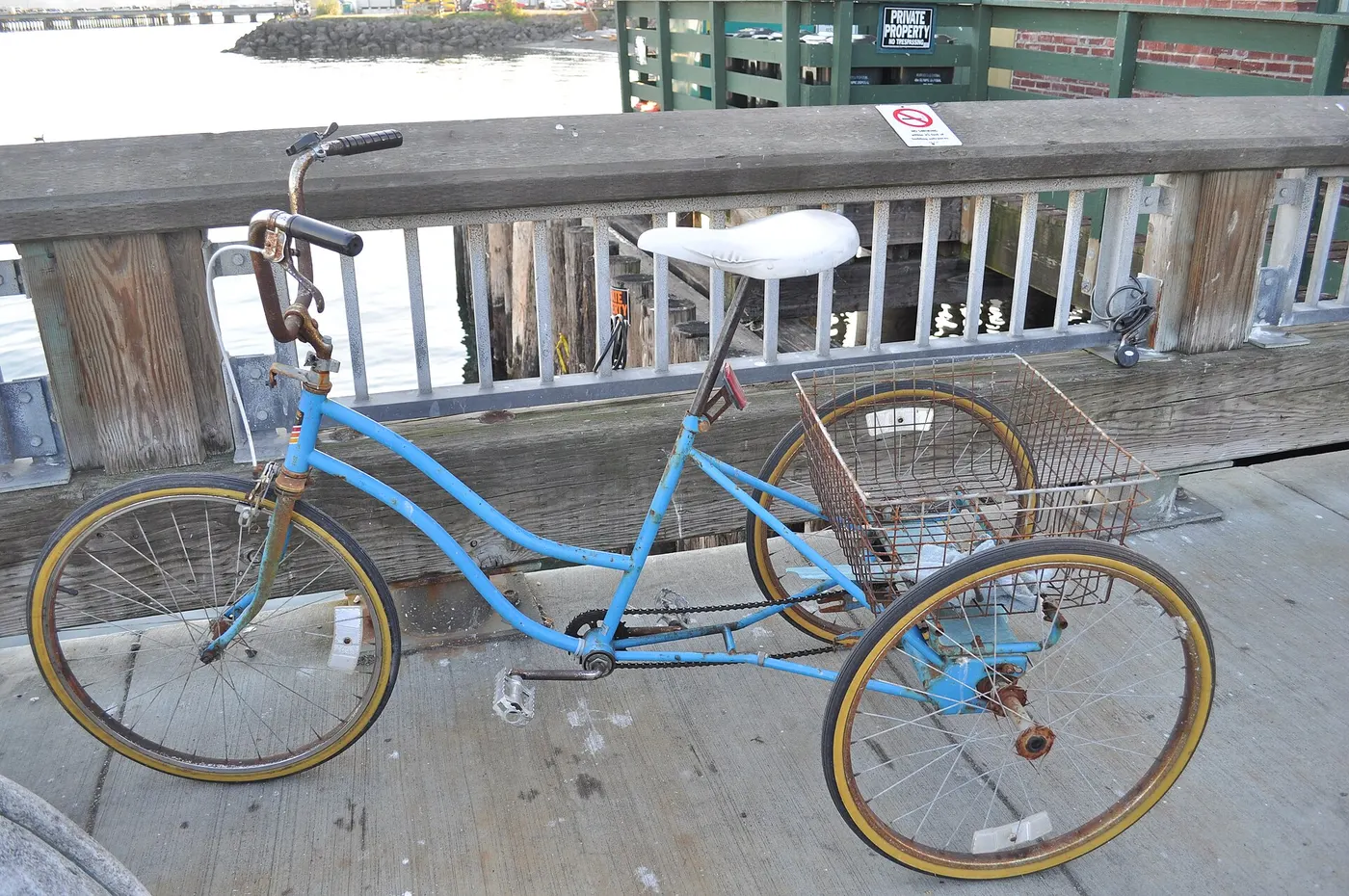
Read whether the computer uses a wheel sensor, GPS, connected phone, or a combination. A wheel-based system commonly derives distance from wheel events and the circumference setting. A GPS system uses its own positioning and processing. Their setup and failure modes differ, so do not apply a magnet-gap procedure to a device that has no such sensor.
Record the exact computer and sensor model, any required bracket or magnet, and supported connections. A wireless label does not establish compatibility with every sensor protocol or accessory. If pairing is required, use the exact instructions and confirm which sensor is associated with the device. Avoid comparing numbers before the actual measurement source is known.
An electric trike display can show similar information while using a different system and restricted settings. Do not enter a service menu or alter wheel parameters outside the vehicle's instructions. A standalone computer is not permission to change the trike's controller configuration. Keep the accessories and vehicle system separate unless an approved integration is documented.
Confirm that the bracket, sensor, and any magnet can be fitted to the actual trike without interfering with controls, brakes, wheels, steering, suspension, or wiring. A conventional bicycle manual may illustrate a fork arrangement that is not available on a particular recumbent or motor wheel. Ask the computer and trike makers about compatibility where the geometry differs.
Follow the specified surface, hardware, orientation and securing method. Do not attach a sensor to an arbitrary brake fitting or cable because the location is convenient. Include the complete movement required by the vehicle. A part that clears while parked can conflict during steering or suspension motion. If the intended installation cannot be established, choose a compatible alternative.
Check display position from the normal riding posture while stationary. Preserve control access and the relevant sight line. The screen should support occasional appropriate checks, not require an awkward position or frequent adjustment. The accessory guide explains the complete mounting chain.
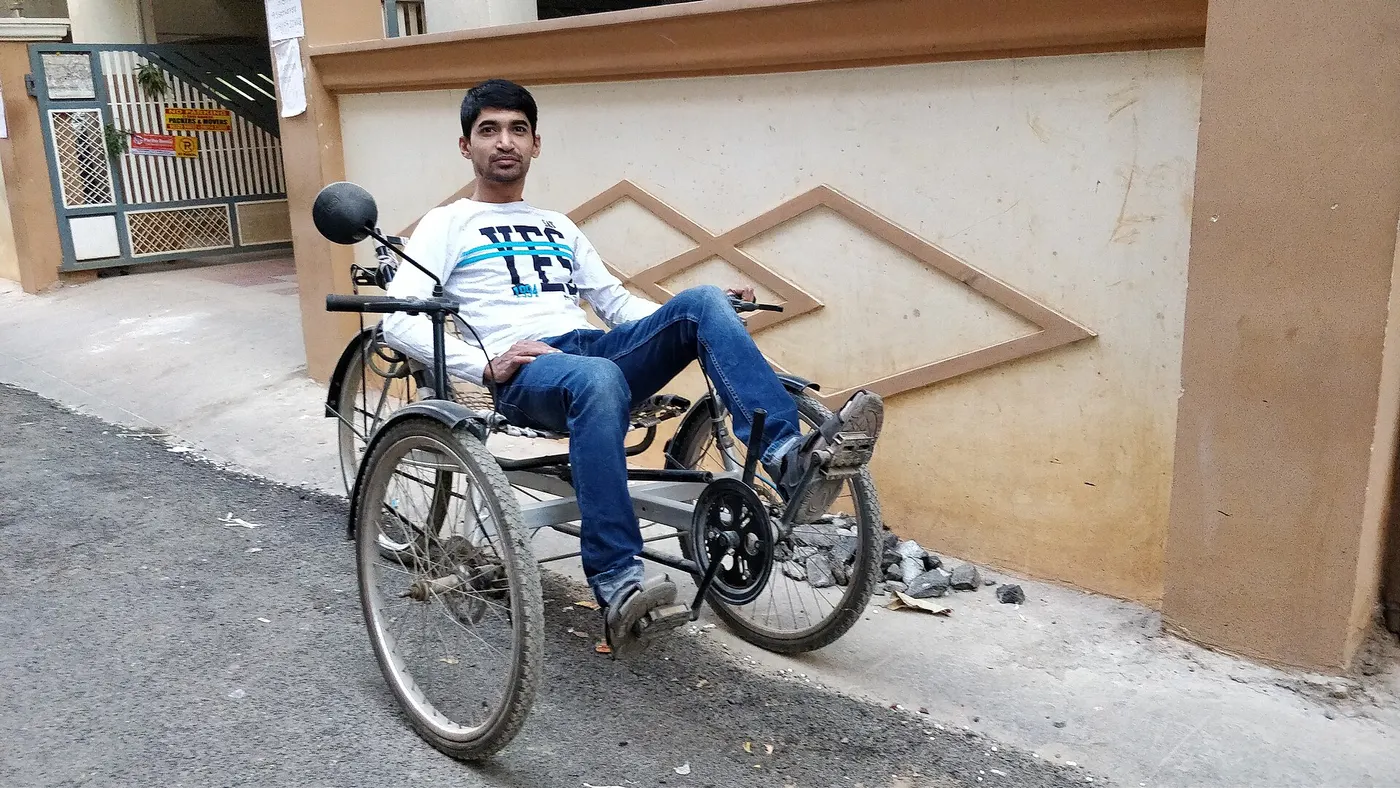
Identify the actual tire and wheel position used by the sensor. Follow the computer's method for determining circumference, whether it offers a suitable table or a permitted measurement procedure. Read the units carefully. Cateye's QUICK setup, for example, asks for a four-digit circumference value in millimetres. That is a model-specific interface, not the setting format for every computer.
Nominal wheel diameter and tire designation are not always the complete rolling measurement. Tire model, fitted dimensions, and the specified measurement conditions can matter. Use the maker's procedure rather than multiplying a broad inch label by a remembered constant. The wheel-size guide explains why purchasing labels are not complete specifications.
If the instructions permit an actual measurement, follow the defined method and conditions safely. Do not improvise by lifting a heavy trike or rolling it in traffic. Obtain help where handling or measurement is outside your practical ability. Record the wheel, tire, method, units, and entered value so future changes can be traced.
For a simple wheel-event model, indicated distance is based on the number of recorded wheel revolutions multiplied by the entered circumference. If that setting is larger than the relevant actual circumference, the resulting distance and speed calculation can be larger by the corresponding proportion. This is a simplified mathematical explanation, not a statement about every device's processing.
For illustration, suppose the appropriate circumference is 2,000 millimetres but 2,100 is entered. The ratio is 2,100 divided by 2,000, or 1.05. In the simple model, that produces a five-percent high result when events are otherwise recorded correctly. Neither number is a recommended setting for a trike. Use the actual equipment and procedure to obtain the value.
This example explains why a small-looking setup difference can affect accumulated records. It does not resolve missed events, poor pairing, sensor interference, GPS processing, or another fault. Before adjusting a circumference to make two devices agree, establish whether they are measuring the same thing through appropriate methods.
Read the exact orientation, gap, position, pairing, and verification procedure. Do not invent a universal magnet distance from a different Cateye or another brand. Sensor designs vary, and some systems use no separate magnet. Follow the actual guide and the trike's mounting restrictions together.
Complete the prescribed operation check in a suitable secured or controlled setting. Do not reach near a moving wheel or improvise a lifting arrangement to produce a reading. If the display fails to respond, use the device's troubleshooting sequence rather than riding faster or moving the sensor into an unapproved location.
Inspect retention after installation and through the required routine. A displaced sensor, bracket, or magnet can affect both measurement and clearance. Resolve abnormal movement before riding. A number appearing on the screen is not proof that the physical installation is secure or compatible with the complete vehicle.
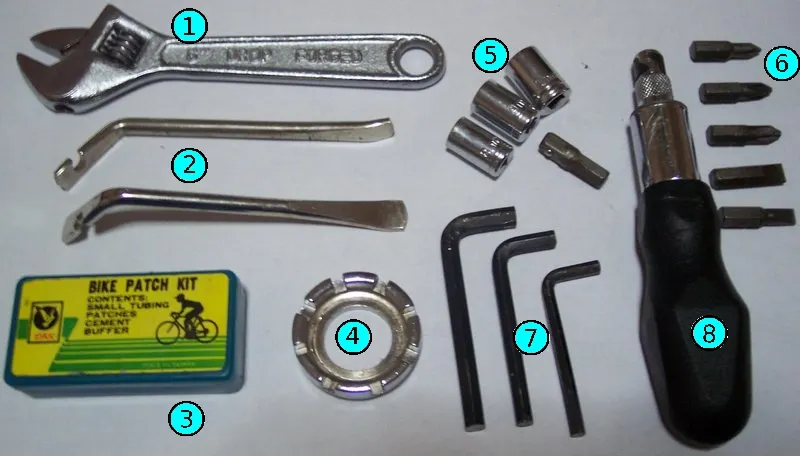
Confirm kilometres or miles, clock format, and any other required settings. A familiar-looking value can be misleading when units differ. Learn what the device calls trip distance, total distance, elapsed time, moving time, average speed, and maximum speed. Those terms can involve different reset and processing behavior across products.
Do not compare two averages unless their definitions and recording windows match. One device may pause a timer differently or include a stop that another excludes. Read the actual manual instead of assuming the difference proves a calibration error. Keep the trip conditions and reset status with any comparison you intend to use.
Changing a battery, resetting a device, or transferring it between vehicles may affect settings and records. Follow the product's instructions and preserve important information beforehand where permitted. A stored total is useful only when you know its continuity and measurement source. Do not present an incomplete counter as the trike's verified lifetime mileage.
A wheel computer and GPS can disagree without either difference being resolved by one guessed correction. They may use different sources, sampling, smoothing, and treatment of stops. Check setup, units, recording interval, and the exact manual's troubleshooting advice. This article does not establish an acceptable universal percentage difference or declare one technology always more accurate.
If you perform a permitted comparison, use a known suitable method and record conditions. Do not use a casually estimated route length as a calibration standard. A map line can differ from the path actually traveled, and route details can change. The useful result is a structured observation that points to a setting or component question, not a scientific accuracy claim.
Keep navigation decisions separate from displayed speed. A screen's reassurance does not resolve path width, access restrictions, stopping space or control. Prepare the route while stationary and respond to actual conditions. The commuting guide connects measurement records to ordinary trip planning without making them permission for unsuitable use.
Begin with the exact device's sequence: identified sensor, required power condition, pairing, orientation, retention, and the stored setup. State what changed before the problem appeared. A new tire, moved mount, replaced sensor battery, or transport event can be relevant. Do not erase that history by repeatedly resetting everything before recording it.
Inspect within owner scope and keep physical clearance intact. If a sensor needs replacement, confirm the compatible part rather than buying a generic wireless item. A phone connection or an electric system nearby may be relevant to a product's troubleshooting guidance, but do not assume interference without evidence. Follow the maker's instructions and support route.
If unresolved, send a concise brief with device model, trike configuration, sensor location, entered circumference and units, observed behavior, and prior work. Photographs can show installation without exposing unnecessary personal data. Do not deliberately reproduce an implausible speed through hazardous riding just to obtain a screenshot.
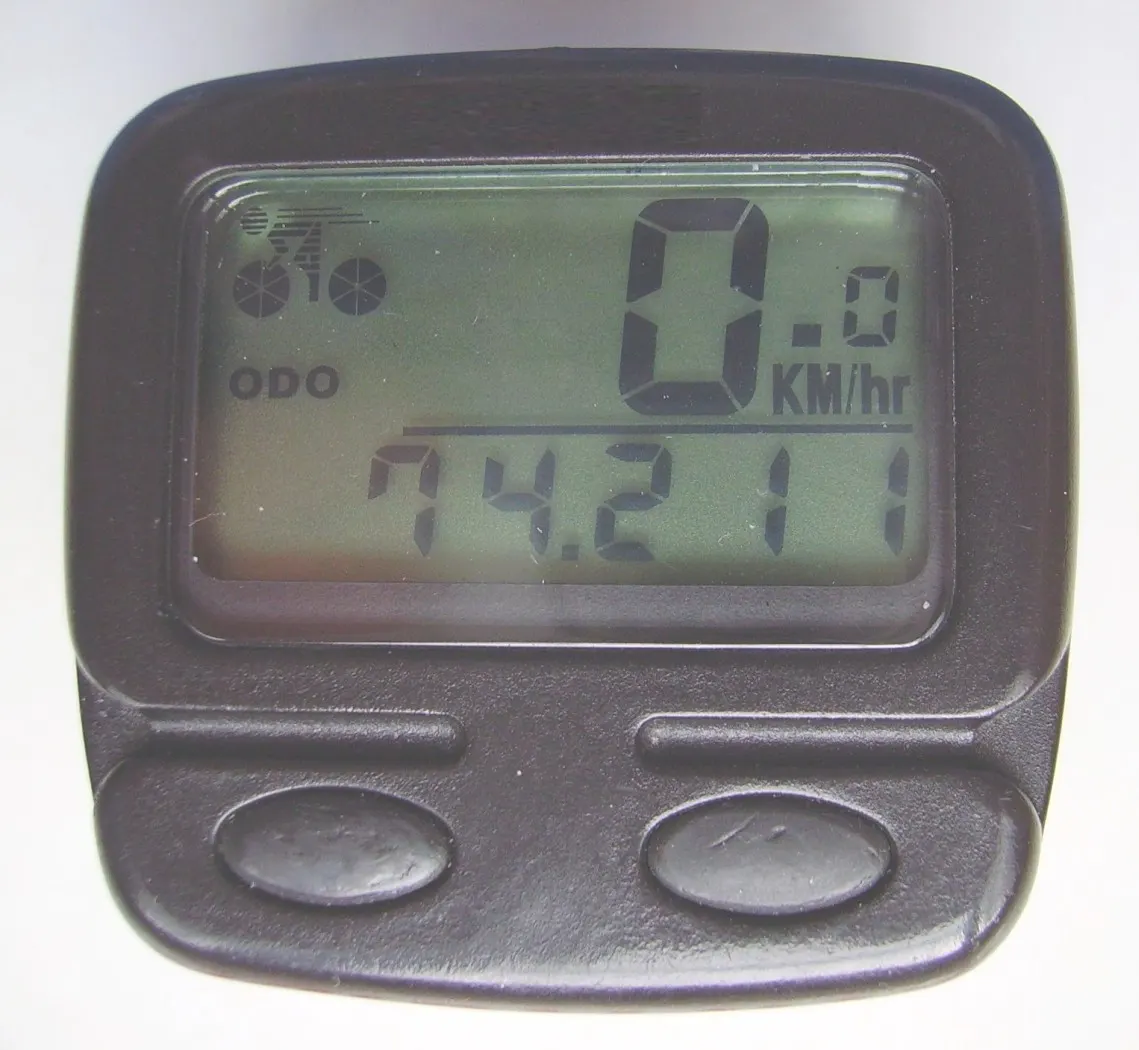
A replacement tire can change the relevant circumference or setup conditions. Revisit the computer procedure rather than copying the old value automatically. Record which wheel changed and whether the sensor remains in the intended location. A nominally identical wheel-size label does not eliminate every need for reassessment.
After service or transport, inspect mounts and complete the required operation check. A bag or fender change can also affect nearby clearance. Do not move a sensor without repeating the applicable installation and setup steps. The fender guide addresses one connected accessory arrangement.
Use the record to explain a change in accumulated distance or speed data. A different setting or device can create a discontinuity that should remain visible. This is useful for maintenance history, but the manual's inspection requirements still govern service. An odometer is a supporting record, not a substitute for condition-based checks.
List whether you need straightforward distance records, a readable display, compatible sensor placement, navigation, or transfer between vehicles. Avoid buying a complex computer solely for more visible metrics. Each added connection can introduce setup and support questions. Choose the documented capability that solves your task.
Consider replacement batteries or sensors, mounting parts, instructions, and practical support. Obtain current prices and compatibility information rather than relying on an old review. No device in this article was tested or ranked. A useful affiliate comparison would explain the intended trike installation and unresolved geometry, not promise universal fit.
Record computer and sensor identities, measured wheel, tire, circumference source, entered units and value, mounting instructions, and the date of a significant change. Keep it with the vehicle records. It saves time after a reset or service and prevents a mixed-wheel trike from being set up with the wrong position's information.
The goal is understandable records produced by a compatible, checked installation. Follow the measurement path from wheel or GPS to display, then interpret the numbers within the device's definitions. That is more useful than forcing different screens to agree through an undocumented correction.
For each meaningful setup change, record the device, sensor, measured wheel, tire identity, units and circumference source. Add the date and whether stored counters were preserved or reset through the manual's procedure. This makes a later distance discontinuity easier to explain. Without that context, a higher total or different average can be mistaken for changed riding performance when the measurement configuration itself changed.
Keep recorded distance and service requirements connected appropriately. An odometer can support a maintenance history where the maker uses distance, but condition and time-based requirements remain relevant. A counter that missed trips does not establish that a component stayed below a service threshold, and a GPS total does not certify every mechanical inspection. Use the record as supporting evidence within the actual maintenance guidance rather than replacing it.
If you export ride data, preserve the definitions and measurement source where they matter to your comparison. A moving-time average, elapsed-time average and another application's processed result may differ. Do not present all of them as one standardized test. For personal planning, consistent use and clear definitions can be enough; a publication-ready accuracy claim would require an appropriate method beyond the observations provided here.
Imagine the sensor is fitted to a smaller front wheel, but the owner entered a table value associated with a larger rear wheel. Confirm the actual sensor position, tire and stored setting through the instructions. Then obtain the appropriate circumference by the device's supported method and enter it in the correct units. Do not use this example's description as a recommended value or assume the rear wheel is always larger on every trike.
After correction, complete the specified operation check and note the change in the record. Earlier accumulated results may reflect the previous setting, so do not silently label the entire counter accurate. Follow the device's permitted handling of stored information and avoid inventing a retrospective correction where the necessary history is incomplete. The useful outcome is a known current setup and an honest boundary around older data.
If readings remain abnormal, investigate the appropriate sensor and device sequence rather than repeatedly changing circumference until the display looks plausible. The initial setting error and a missed-event or pairing concern can coexist. Keep each observation separate and ask support for the relevant next check. This prevents one successful correction from obscuring another physical or measurement issue.
When a display or sensor is moved to accommodate a bag, fender or control, revisit the complete installation instructions. Position, retention, clearance and any specified operating geometry remain part of the setup. A measurement that appears stable does not approve an arbitrary physical location. Ask the maker about the exact trike geometry if the illustrated mounting arrangement cannot be reproduced.
Document what moved and when the readings changed. A clear timeline helps support assess whether the issue concerns physical installation, pairing, power or stored settings. Do not assume that the nearest recent change caused the result, but do include it. Photographs of the actual arrangement can be more useful than a close-up of one implausible number without context.
After resolving the installation, preserve control access and the stopped-adjustment routine. A computer can be a helpful record without demanding constant attention. Prepare settings before moving and deal with unexpected screens at a suitable stop. The complete value of the device comes from compatible installation and understandable information, not from making the rider watch every fluctuation during the trip.
If the device supports use on more than one vehicle, follow its method for identifying each setup and retaining the corresponding wheel information. Do not move it between a bicycle and a mixed-wheel trike while leaving one remembered circumference in place. Record which sensor and profile are active before interpreting the numbers.
Check the physical installation independently on each vehicle. A bracket or sensor that works in one location does not establish clearance on the other. Use the applicable parts and instructions, and complete the required operation check after transfer. Keep any untested configuration unresolved rather than relying on a familiar display.
This makes shared equipment more practical without overstating continuity. A total counter or exported record may combine journeys from different setups, so describe that history honestly where it matters. The useful result is a known active configuration and understandable records, not simply a device that can be clipped onto another handlebar.
Research-based setup guide. The percentage example is arithmetic, not a product test. No sensor, GPS accuracy, interference, or odometer performance was measured.
Guide
Choose your first adult tricycle by checking rider fit, storage, weight limits, gears, brakes, assembly, and service before buying.

Guide
Learn how to compare adult electric tricycles for control, fit, batteries, braking, transport, and ownership support.
Guide
Understand the leg and hip muscles used when pedaling a tricycle, plus how fit, resistance, and electric assistance change the effort.