



Guide
First Adult Tricycle Buying Guide
Choose your first adult tricycle by checking rider fit, storage, weight limits, gears, brakes, assembly, and service before buying.
We research everything we recommend. When you buy through our links, we may earn a commission. Learn more
Guide
Capture an e-trike error message accurately, identify the installed system and prepare a support record without using cross-brand code guesses.

Updated · 11 min read
An error code is a message from a particular electrical system, not a universal diagnosis. The same digits can mean different things on different trikes, displays, or software versions. Even a correctly identified code may describe a monitored condition rather than the single part that needs replacement. The most useful owner response is to stop safely, preserve the exact message, and consult the documentation for the installed system.
This guide explains how to build a support record and avoid changing evidence while troubleshooting. It does not provide a cross-brand code table, internal electrical tests, or instructions for bypassing a protection function. It applies when an electric trike shows a message, loses a function, or behaves unexpectedly. Manufacturer instructions and the actual vehicle's condition determine whether any owner action or further use is permitted.

If a message appears during a ride, attend to traffic and control of the vehicle before looking closely at the screen. Do not film the display while moving or continue into a difficult section to see whether the fault repeats. Stop at a suitable location using the vehicle's normal controls and procedures. A useful error record begins after you are safely stationary.
Unexpected assistance, a braking concern, overheating, visible electrical damage, or another concerning change is not merely a display question. Stop using the vehicle and follow the maker's safety instructions. This article does not authorize restarting or riding a trike with uncertain control or electrical condition. Assistance may be needed even if the screen later returns to normal.
The roadside recovery guide helps prepare for a vehicle that cannot complete the trip. Separating the rider's immediate safety from the technical investigation prevents an error message from turning into a distracted roadside repair. A support conversation can happen later; getting out of an unsafe position comes first.
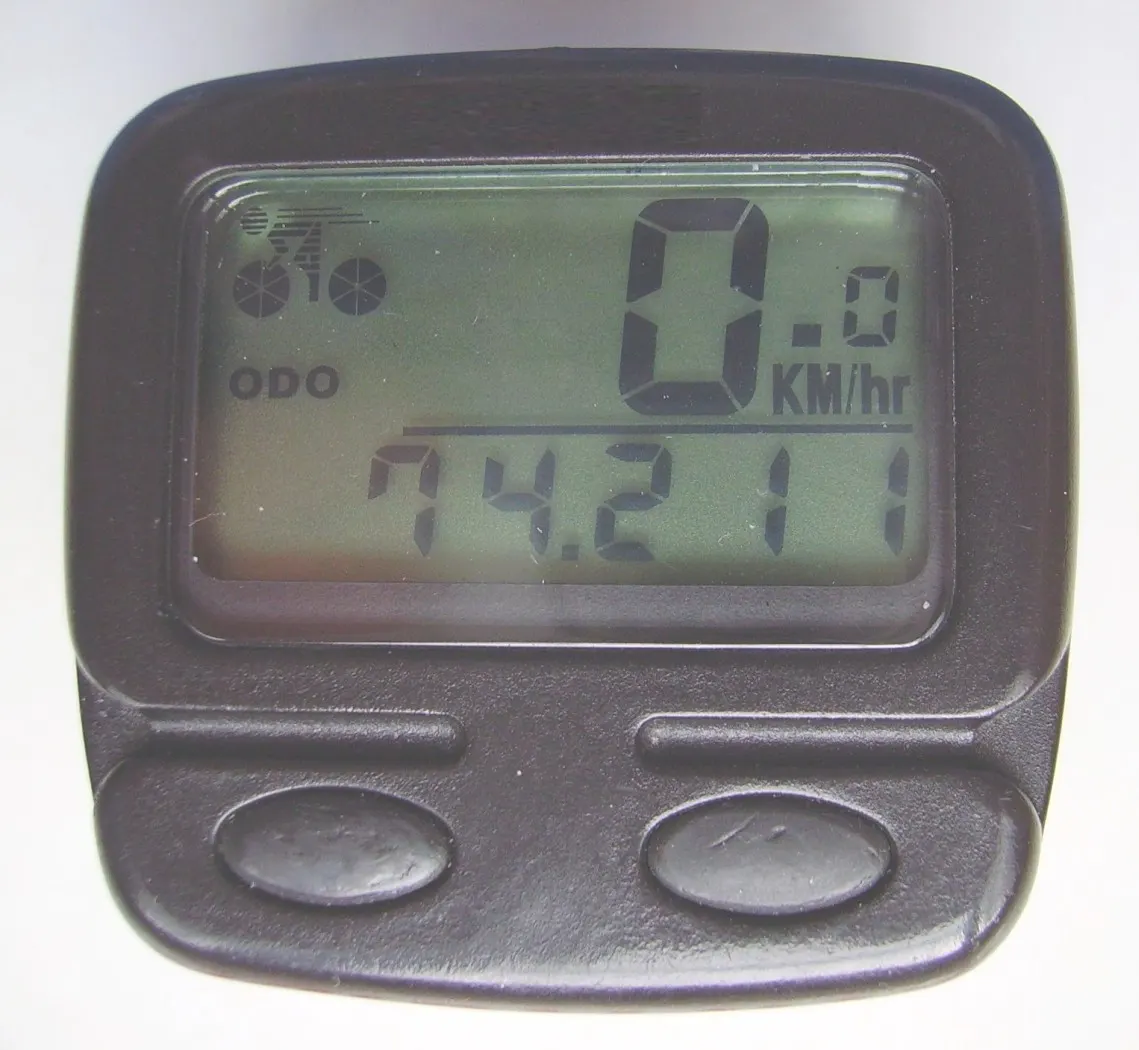
Record every character shown: letters, digits, spaces, icons, and any text. Leading zeros and prefixes may be significant. A note saying error ten is less reliable than a clear photograph of the display. If the message alternates with another screen, describe that sequence rather than combining the messages into a guessed code.
Take a stationary photograph if it can be done without operating the trike unsafely. Include the display model or its visible surroundings in a second image. This helps support distinguish a system message from a trip computer notification or another accessory. A trike may have more than one screen, and not every warning originates from the motor system.
Keep the original file privately and send a readable version to the manufacturer or shop. Avoid annotating over the code itself. You can add a separate note describing when it appeared. If a message disappears before it can be photographed, write that fact and the characters you remember, clearly marking uncertain details rather than filling them in from an online table.
Provide the brand, model, approximate production year, and revision if known. Include serial information only through the provider's requested private channel. Record whether the display, motor, controller, or battery has been replaced. The original sales specification may no longer describe a modified vehicle, so the support packet should identify actual installed equipment where possible.
A display that looks like one used by another brand is not evidence that the electronics share code meanings. OEM systems can differ in configuration and documentation. Likewise, the same manufacturer may use different displays or software across models. Use the exact user manual or support page for your system instead of borrowing an explanation from a visually similar product.
The hub versus mid-drive guide provides broad architecture vocabulary, but it does not identify a fault code. Record labels that are visible without opening housings or disturbing connectors. If a component is inaccessible, say that its identity is unconfirmed and ask the support provider how to establish it safely.
Start with the vehicle maker's current manual hub and the installed system's official support. Lectric, for example, maintains model-specific user manuals rather than one document for all its products. A page explaining a different model can provide context but should not direct work on your trike unless the maker confirms applicability.
Save the document title and revision, not only a search-result snippet. Search engines can surface old manuals and third-party transcriptions beside current material. If the document does not clearly match your model, ask support which version applies. An error table copied into a forum may omit conditions, limitations, or instructions that accompany the original entry.
Manufacturer support pages can also move or redirect. If a code-specific link leads to a general help center, do not invent the missing instruction. Use the current search or contact process to obtain the relevant entry. This guide deliberately avoids listing a guessed restart procedure when the applicable official instruction has not been confirmed.
Record whether assistance stopped, the display went blank, lighting changed, a speed reading became unusual, or the vehicle powered off. Keep each observation separate. A message and a symptom appearing together do not prove which component failed. Support may need both to decide what owner check, service appointment, or further information is appropriate.
Note what still operated, but do not test questionable functions just to complete a list. If you already observed that lights remained on while assistance disappeared, say so. If you did not assess braking or other controls, leave them unconfirmed. A support packet should not imply a successful check that was never performed.
Distinguish a completely unpowered trike from one that is powered but not assisting. The won't-turn-on owner guide addresses the former task. This article concentrates on recording displayed faults and function changes, so the two pages can work together without repeating a generic list of speculative electrical repairs.
Include when the trip began, when the message appeared, and what was happening immediately beforehand. Relevant context can include starting from rest, climbing, ordinary cruising, braking, rain, transport, or charging. The timeline should be factual and approximate where necessary. Do not claim that a preceding event caused the fault simply because the sequence seems suggestive.
Describe whether the problem appeared once or repeatedly and whether the same message returned. If several faults appeared on different dates, keep separate entries. Combining them into one story may conceal a pattern or make unrelated events seem identical. A chronological list often gives support clearer information than a long paragraph of possible causes.
Include recent service and accessory installation. A new light, changed display, battery replacement, or repair may matter to identifying the configuration. It may also be unrelated. State who performed the work and what was changed without assigning blame. Support can decide which details affect the investigation.
Do not change hidden display parameters, wheel settings, speed limits, controller programming, or wiring to clear a fault. Such changes can alter operation and obscure the original condition. A code disappearing after an undocumented change does not establish that the cause has been repaired or that the vehicle is ready to ride.
If official instructions authorize a specific owner action, follow that action exactly and record the result. Do not expand it into a sequence borrowed from another model. A restart, connector check, or other instruction may have prerequisites and limits. When the documentation is unclear, ask the provider to specify the applicable procedure before proceeding.
Keep a record of any authorized setting change, including the previous value where the maker asks for it. This is particularly useful if support later needs to restore the intended configuration. A screenshot or written note can prevent uncertainty about what changed during troubleshooting. The record should stay private if it contains serial or account information.
This guide does not recommend opening a battery, controller, motor, or display housing; bridging contacts; bypassing sensors; or measuring internal circuits. Those actions are not ordinary owner observations. The service provider should explain whether a qualified technician or manufacturer process is required for further investigation.
Do not reconnect a visibly damaged plug or force an unfamiliar connector. External appearance alone may not reveal its condition or correct orientation. If the maker requests an accessible connection check, use only the identified procedure and power state. An instruction for one connector is not permission to disconnect every cable until the message disappears.
Battery condition deserves its own documentation and safety instructions. The charging and storage guide and replacement battery guide cover those subjects. An error code should not prompt purchase of a guessed battery, particularly when compatibility and the actual fault have not been established.
Mention rain, unusually hot or cold conditions, wet storage, or recent washing if they occurred. Record approximate conditions rather than inventing precise temperatures you did not measure. These observations may help support interpret a fault. They do not establish that the trike's weather rating was exceeded or that one component was damaged.
If the vehicle or battery is visibly damaged, wet in a concerning way, or otherwise outside its permitted condition, follow the manufacturer's instructions and stop use. Do not charge it experimentally to see whether a display message changes. A charging trial is not a diagnostic shortcut for equipment whose condition is uncertain.
The rain riding guide provides the broader planning context. For the support record, note how the vehicle was stored and whether covers or bags were involved. A clear description of actual conditions is more useful than a conclusion such as waterproofing failure when no inspection has established that finding.
A useful message opens with the exact model and problem, then gives the code, observed behavior, timeline, and requested next step. Attach only relevant photographs. Avoid sending a long collection of unrelated forum theories as if they were confirmed findings. Support should be able to identify the main issue without reconstructing it from several incomplete messages.
For example, describe a display message during ordinary riding, whether assistance stopped, and whether any authorized action has already been attempted. Ask which manual revision applies and whether further use is permitted. That is more useful than requesting a controller replacement because an online comment associated similar digits with a controller fault.
Keep the case reference and the provider's instructions. If another person continues the conversation, they should be able to see what was observed and what actions were authorized. The repair shop guide helps when manufacturer support needs a local technician to carry out the next step.
A fault that vanishes is still worth recording, especially if operation changed. Do not deliberately recreate a concerning event on a road or steep hill. Ask support whether monitoring is appropriate and what recurrence should trigger a service visit or immediate stop. Keep those instructions with the timeline so the next decision does not rely on memory alone.
If monitoring is authorized, use a simple log of date, conditions, message, and observed functions. State whether the exact code was captured or remembered. A repeated clear photograph is stronger identification than an uncertain recollection. Avoid increasing the scope of testing beyond what the provider has requested.
Support may need to distinguish a one-time notification from a recurring fault, but that classification belongs to the applicable system documentation and assessment. An owner should not decide that a message is harmless because another rider continued using a similar trike. Their model, configuration, and circumstances may be different.
If a replacement part is proposed, ask what evidence supports it and whether further checks are required. Record the exact part identity and configuration requirements. A replacement display or controller may need model-specific compatibility or setup. A familiar connector shape is not enough to authorize substitution.
Clarify whether the provider will supply the part, install it, and confirm the intended configuration. If remote support recommends a local workshop, send the case record ahead of the appointment. That lets the technician understand what has already been established and avoids repeating unproductive guesses.
Compare service quotes by scope, not only the cost of the suspected part. Diagnostic work, installation, configuration, and return-to-use checks can be separate tasks. A cheaper component from an unidentified seller is not equivalent to a documented repair of the actual system. Keep the repair plan tied to the confirmed vehicle information.
An error can leave assistance unavailable even when the display remains active. Your ability to pedal or push the vehicle should not be assumed, particularly with cargo or a difficult route. Prepare pickup access and contact details before longer trips. The range planning guide addresses trip margins, while recovery planning covers a fault that interrupts the intended journey.
Tell a helper the actual trike dimensions and whether it can be moved safely. Do not promise that it folds or that a battery can be removed unless the approved procedure and condition allow it. A support plan should fit the vehicle you own, not a generic bicycle carrier.
If there is a damaged or suspect battery, advise the provider before transport and follow their instructions. Ordinary pickup arrangements may not be appropriate for every condition. Keep the rider's safety and the technical condition explicit so assistance is planned with accurate information.
Record the confirmed finding, repaired components, and any configuration changes. Replace an initial suspicion with the actual service conclusion where available. If no cause was confirmed, say so. A history of verified facts and unresolved observations is more useful than one that turns every displayed message into a named component failure.
Follow the provider's return-to-use instructions and the normal pre-ride routine. If the original behavior returns, refer to the existing case and send the new observation rather than starting with a different guessed diagnosis. Keeping the record consistent can help identify whether the repair addressed the issue.
The lasting habit is simple: capture the exact message, identify the actual system, separate observations from conclusions, and act only within applicable instructions. That approach will not diagnose every electrical fault at home, but it makes support more efficient and avoids turning a readable code into a reason for unsafe experimentation.
Research-based support guide, reviewed 14 October 2026. No electrical diagnosis, internal testing, or cross-brand code equivalence is claimed.
Guide
Choose your first adult tricycle by checking rider fit, storage, weight limits, gears, brakes, assembly, and service before buying.
Guide
Learn how to compare adult electric tricycles for control, fit, batteries, braking, transport, and ownership support.

Guide
Understand the leg and hip muscles used when pedaling a tricycle, plus how fit, resistance, and electric assistance change the effort.